
Word Finder: How to Play on GenzMeet
Search letter grids in GenzMeet Word Finder. Spot hidden words and work through the available puzzle levels.
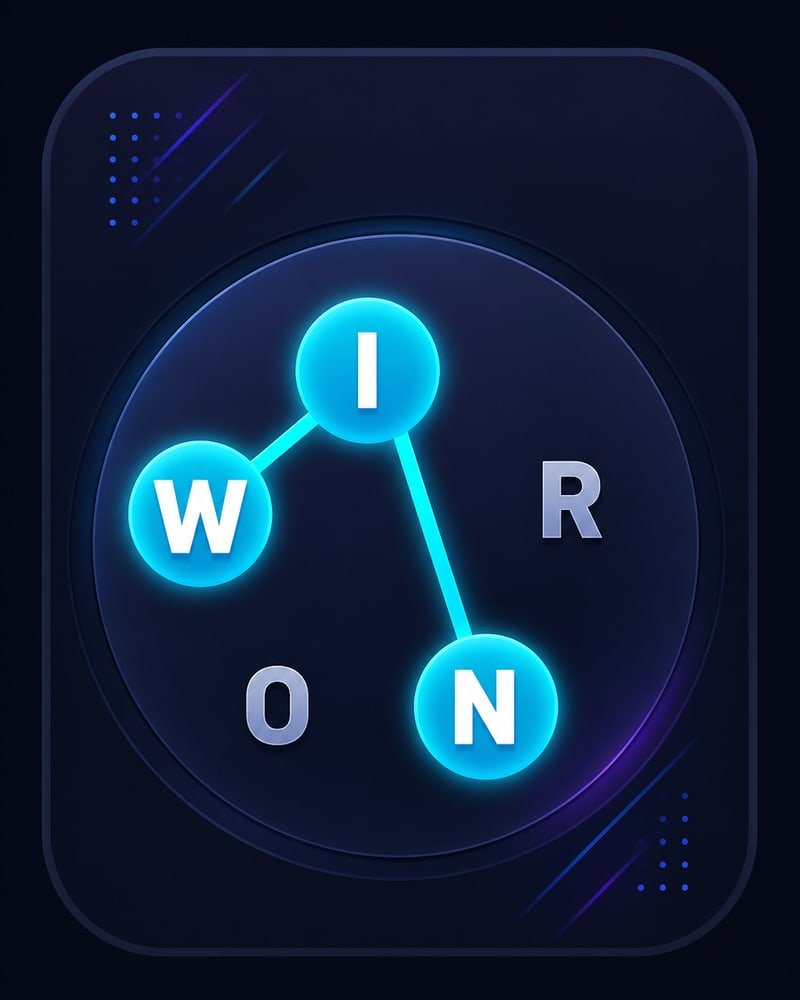
About Word Finder
Word Finder asks you to recognise words inside a grid of letters. Scan the board carefully, then trace the word you find. Checking beginnings and endings can make a busy grid easier to read.
How to get started
- Open Word Finder in Play Zone.
- Read the words and inspect the letter grid.
- Trace matching words and finish the level objective.
Common questions
Where can I try Word Finder?
Install GenzMeet on Android, sign in, and select Word Finder in Play Zone. This web page is a guide to the in-app experience.
Does Word Finder cost coins?
Entry coins and availability are managed in the app. Review the current entry details before starting.
Can I play on this website?
This website explains the game. Gameplay takes place inside the GenzMeet app.
More from Play Zone

Picture Puzzle
Piece together artwork in GenzMeet Picture Puzzle. Swap pieces, connect matching edges, and work toward a complete picture.
Explore Picture Puzzle →
2048
Merge matching number tiles in GenzMeet 2048. Plan your swipes, manage space, and try to build the 2048 tile.
Explore 2048 →
Tic Tac Toe
Play Tic Tac Toe against the computer in GenzMeet. Place your X, block a line, and think a move ahead.
Explore Tic Tac Toe →