
Neon Keys: How to Play on GenzMeet
Try Neon Keys, the piano tiles game in GenzMeet. Follow the tiles, keep your timing, and explore the available tunes.
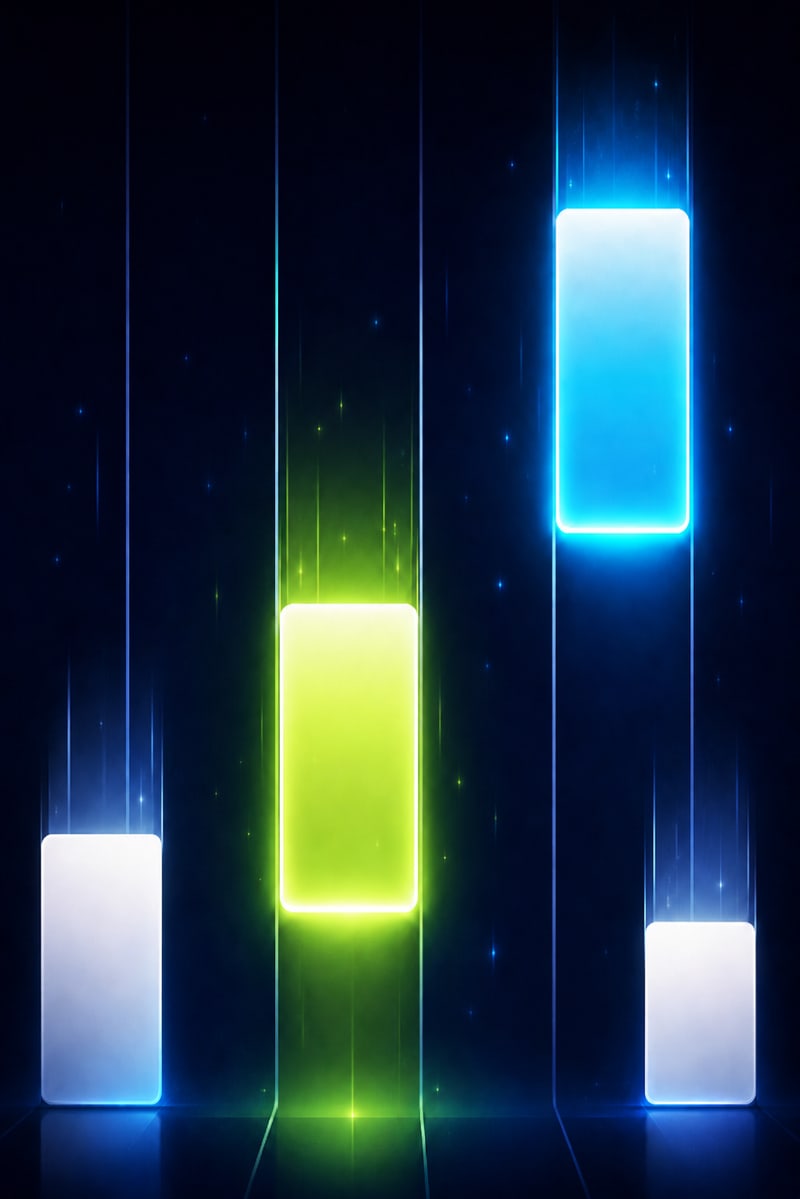
About Neon Keys
Neon Keys brings a music-led tapping challenge to Play Zone. Watch approaching tiles and follow the pattern in the selected mode. The app includes tune choices such as Happy Birthday and Twinkle Twinkle.
How to get started
- Choose Neon Keys in Play Zone.
- Select an available tune or mode.
- Tap the tiles as they reach the playing area.
Common questions
Where can I try Neon Keys?
Install GenzMeet on Android, sign in, and select Neon Keys in Play Zone. This web page is a guide to the in-app experience.
Does Neon Keys cost coins?
Entry coins and availability are managed in the app. Review the current entry details before starting.
Can I play on this website?
This website explains the game. Gameplay takes place inside the GenzMeet app.
More from Play Zone

Hand Cricket
Play Hand Cricket in GenzMeet. Pick your hand numbers, build an innings, and take on a compact cricket challenge.
Explore Hand Cricket →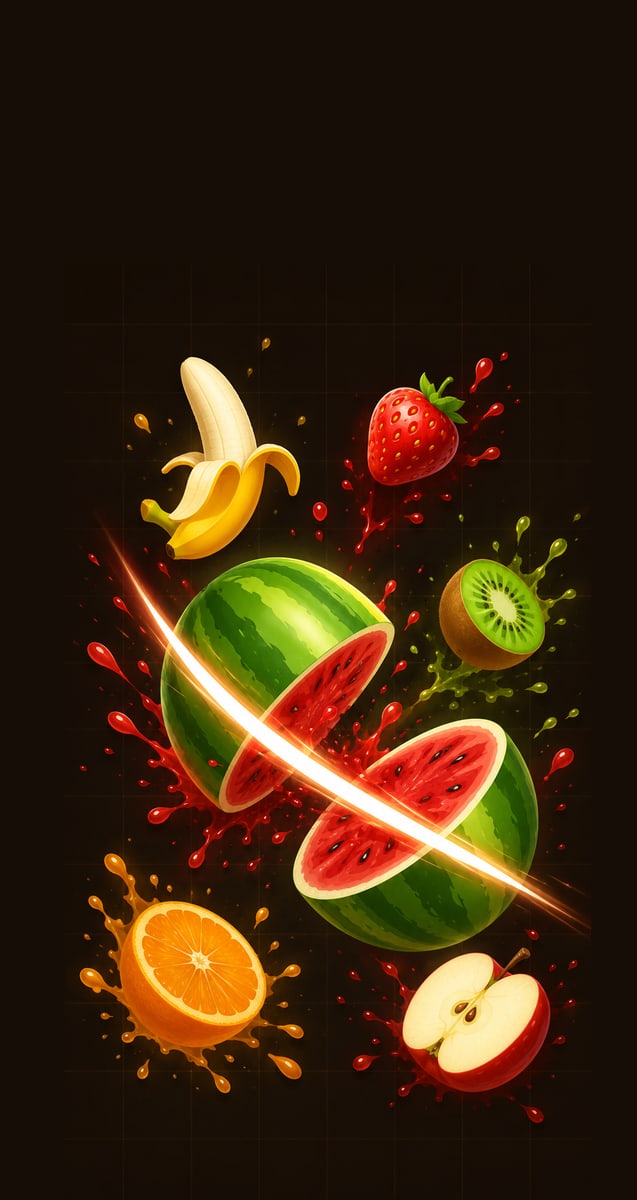
Fruit Arena
Slice flying fruit in GenzMeet Fruit Arena. Follow the action, avoid bombs, and make every swipe count.
Explore Fruit Arena →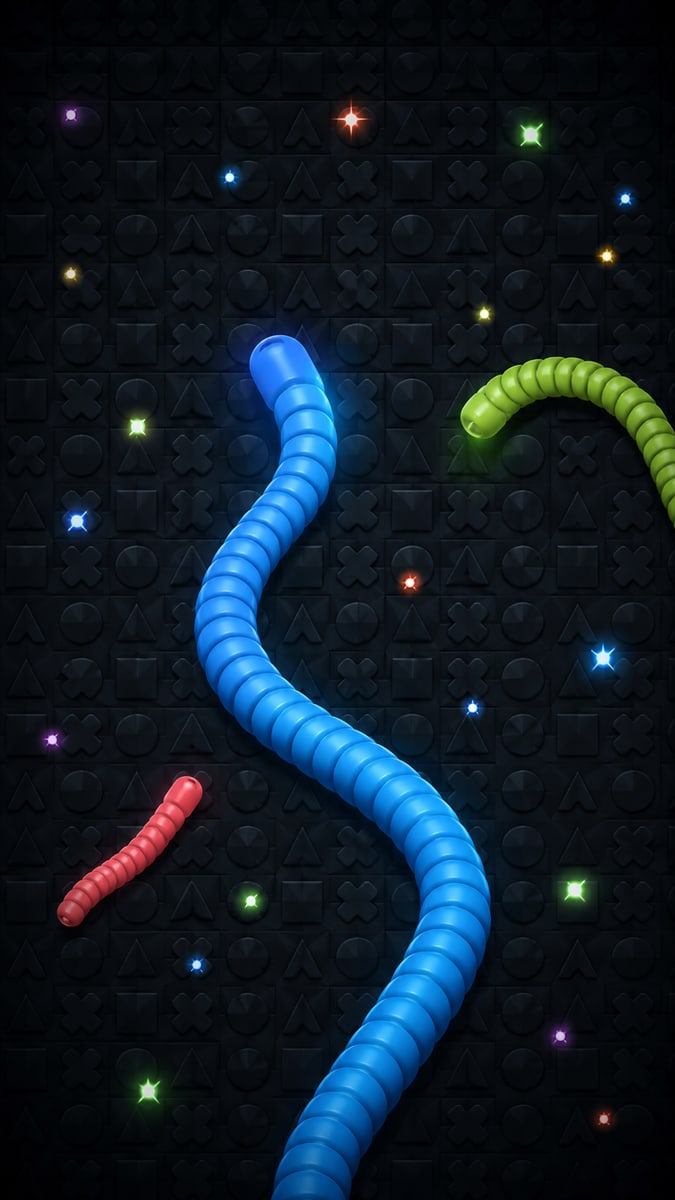
Snake Arena
Explore Snake Arena in GenzMeet. Guide your snake around the arena and keep track of the space ahead.
Explore Snake Arena →